YOUR DATA, YOUR CONTROL
DATA REQUESTS & ACCOUNT DELETION
This page explains how long Modio keeps your information and how to permanently delete your account from the web app or the Modio mobile app.
LAST UPDATED
AUGUST 10, 2026
DATA RETENTION
We keep information only for as long as it is needed to provide the service, meet legal obligations, resolve disputes, and enforce our agreements.
ACCOUNT & PROFILE DATA — Deleted within 30 days of account deletion.
CUSTOMER CONTENT & BRAND PROFILES — Deleted within 30 days of account or content deletion.
ENCRYPTED BACKUPS — Age out within 90 days after deletion from active systems.
TRANSACTION & INVOICING RECORDS — Retained as required by tax and accounting law.
DELETE YOUR ACCOUNT
Deleting your account permanently removes access to your Modio workspace and starts the deletion timeline described above.
ON THE WEB APP
1. Go to app.themodio.com and log in.
2. Open Settings.
3. Scroll down to Delete account.
4. Confirm the deletion request.
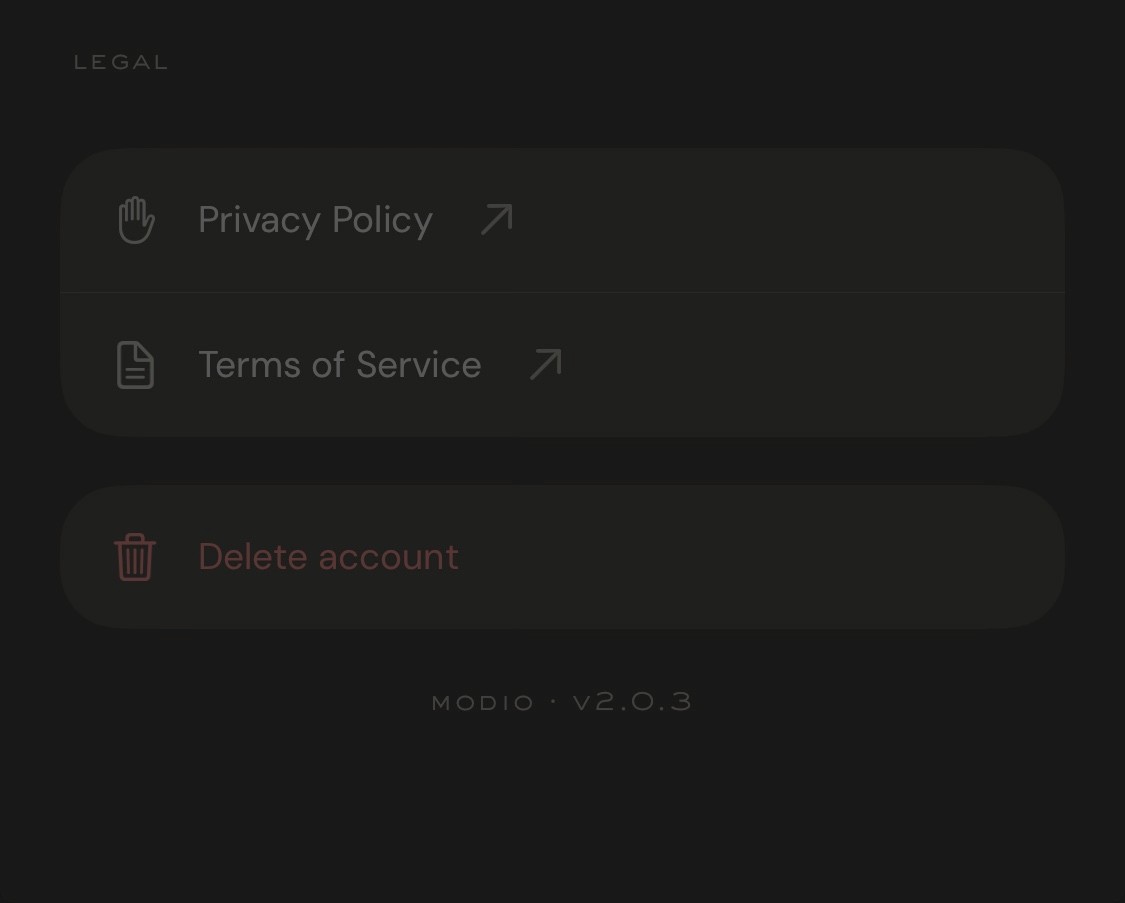
ON IOS OR ANDROID
1. Open the Modio app.
2. Open the drawer and tap the Settings gear.
3. Scroll down to Delete account.
4. Confirm the deletion request.
WHAT HAPPENS NEXT
We’ll confirm your request using your account email. If you can’t access your account or need another data request, email hello@themodio.com.
EMAIL HELLO@THEMODIO.COM